TL;DR
Choose a business calling app that gives the company a shared customer number, an admin account and a call record that survives staff changes. Run an exit test before buying: remove a demo user, call the same number and open the customer history from another account. That shows whether business calls remain with the business.
Choose a business calling app only after you run one staff-exit test: remove a user in the demo and make sure the customer number, call history and routing stay with the business. For owner-led Indian teams using personal phones, that test matters more than a long feature list.
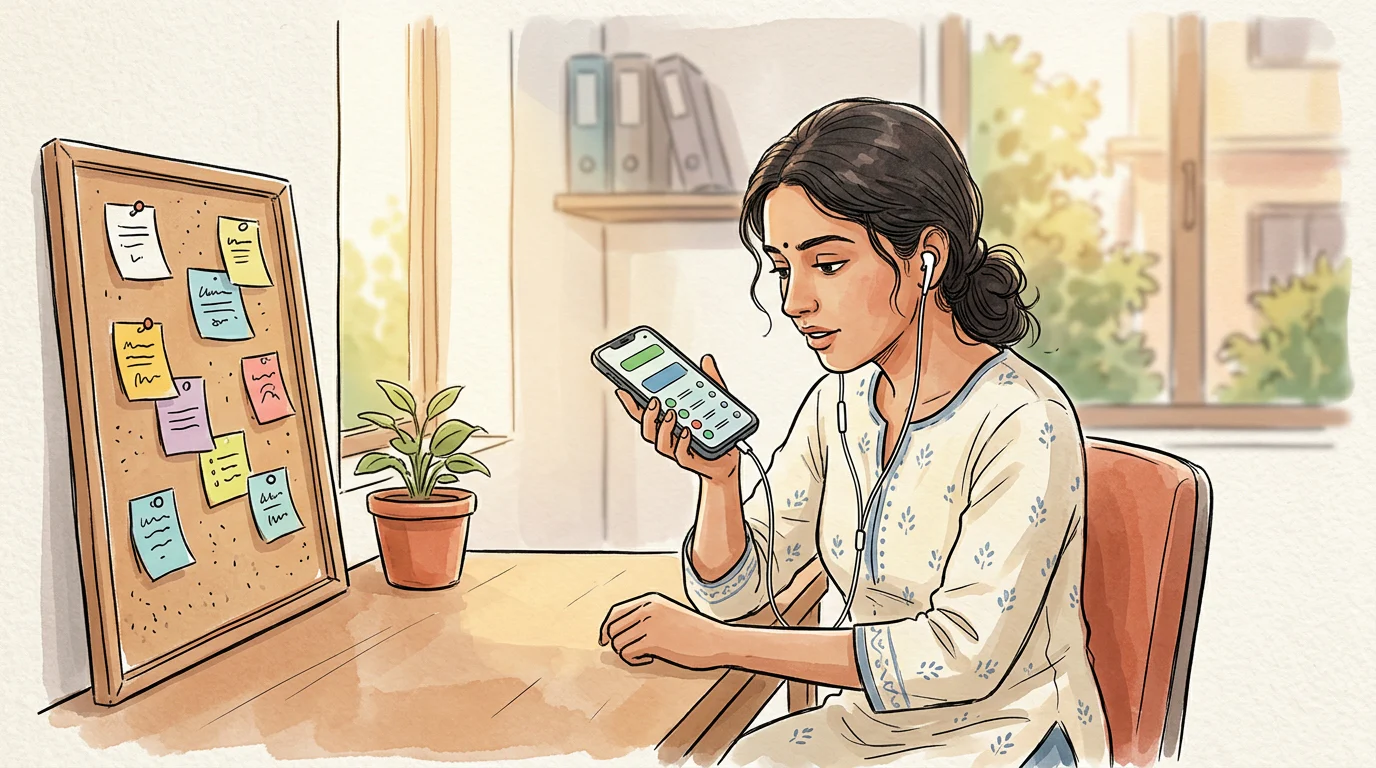
A good app lets callers reach one business number while staff answer on their existing mobiles. It also gives the owner an admin account, managers a shared record, and callers a way to return calls without exposing a personal number.
What a Business Calling App Must Keep with the Business
A business calling app should keep three things under business control: the customer-facing number, the call record, and access to the account.
A personal SIM can work for a solo owner. It becomes a weak handover system once customers call several salespeople, reception staff, counsellors, or field staff. The customer may save an employee’s number instead of the business number. The next employee then starts without the earlier call context.
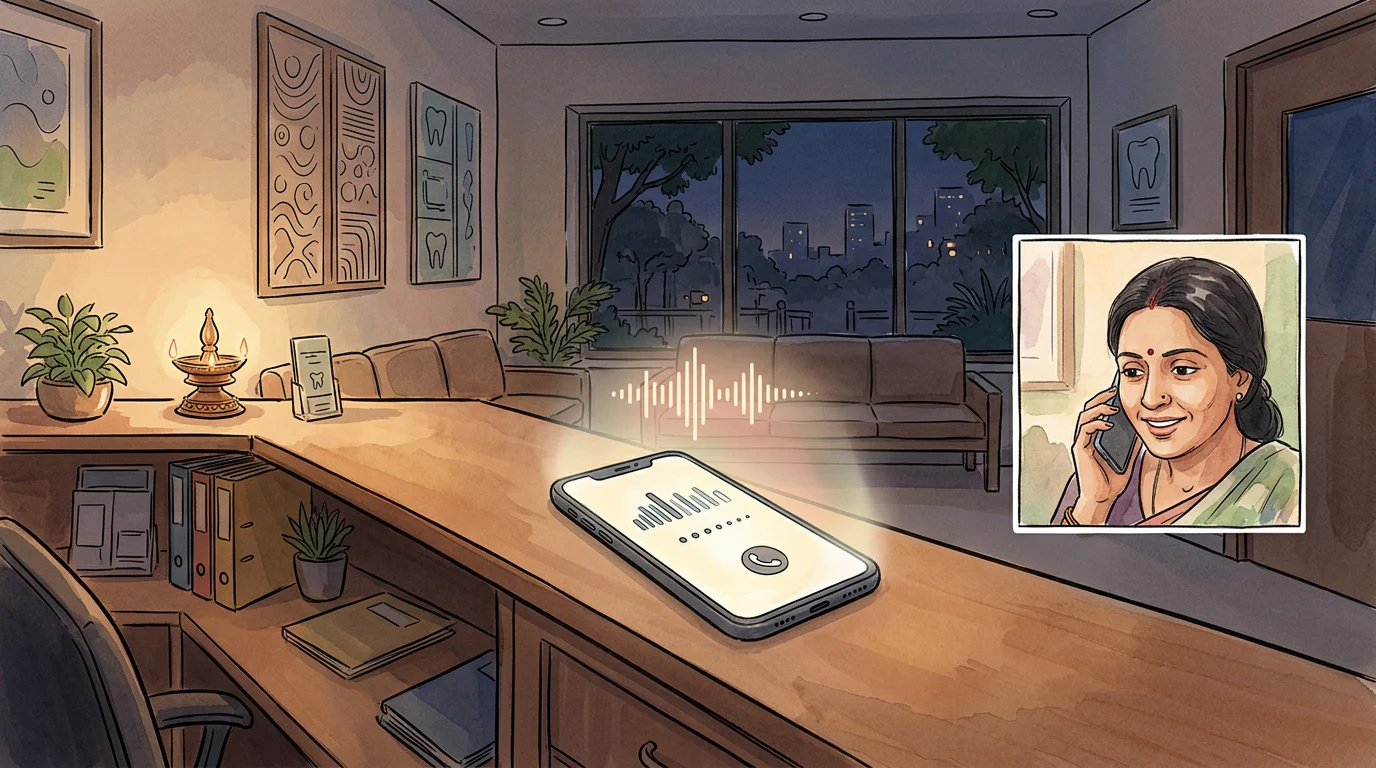
A shared business number changes that workflow. The number belongs to the business account, calls route to available staff, and the conversation record stays where the team can find it. A virtual business number works through an app rather than a desk phone or a physical SIM.
A company SIM is a separate option. It can be issued in the organisation’s name, but it still needs active administration. The Department of Telecommunications requires an authorised business representative and an end-user list for business connections, including records when users change. DoT business-connection guidance explains those responsibilities.
Use This Checklist Before You Book a Demo
Use this checklist with the owner, the manager and one person who will make calls each day. A provider should be able to show every pass condition in a live account.
Owner Checks
- Business account owner: The owner’s work email controls billing, password recovery and administration.
- Customer number: The public number belongs to the business account, not to a staff member’s personal SIM.
- Staff exit: An admin can remove a user without changing the number customers call.
- Number continuity: The provider explains the process for keeping, replacing, or moving the number when the business changes systems.
- Data handover: The owner can identify what happens to contacts, call logs, recordings and notes at the end of the service.
- Real cost: The quote lists the plan, billing period, GST, users, call usage, number charges, recording storage and setup work.
Manager Checks
- Call routing: The manager can choose who receives a call during working hours.
- Missed calls: A missed enquiry appears in a team-visible place with a named callback owner.
- Shared history: Another approved teammate can find the customer’s earlier call, date, duration and outcome.
- Roles: Owners, managers and callers have different access levels.
- Recording access: The manager can control who listens to or downloads a recording.
- Useful reporting: The manager can see answered, missed and outgoing calls without collecting screenshots from staff phones.
Caller Checks
- Existing mobile: The caller can use the app on the phone they already carry.
- Business caller ID: A test callback displays the business number to the customer.
- Personal privacy: The caller’s personal number does not become the customer’s new contact number.
- Fast follow-up: The caller can open a contact, make a call, log an outcome and find the history again.
- Simple handover: A different approved teammate can see enough context to make the next call.
Reject an app that fails the staff-exit test. A lower monthly price does not repair a number or customer history that leaves with an employee.
Test a Shared Number on Staff Mobiles
Run the test with two staff phones and one external phone. Use a real customer-style scenario, not a vendor’s scripted screenshot.
-
Create the business account. Use the owner’s work email and add a second owner-level recovery contact.
-
Add two test users. Put one user in a manager role and one in a caller role. Each person should use their own mobile.
-
Call the business number from an outside phone. Check who rings, what happens when the first person does not answer, and whether the manager can see the event.
-
Return the call from the app. Look at the outside phone. The caller should see the business number, not the employee’s private mobile number.
-
Add a note or outcome. Then sign in as the second user and find the same contact and the earlier interaction.
-
Remove the first test user. Call the business number again. The number should still work, routing should follow the new rule, and the shared record should remain available to authorised users.
-
Test after-hours handling. Call outside the stated business hours. Decide whether the business needs a voicemail, a missed-call task, a callback route, or an automated answer.
This test gives owners a clear answer. If staff can use their own phones while the business keeps the number and history, the app solves the continuity problem. If the app only forwards calls to personal phones, it may not.
Choose Call History, Recordings and Permissions
A recording is useful only when the right person can find it and act on it. Your minimum customer record should show the caller’s number, call date, direction, duration, outcome, assigned staff member and next action.
Set the recording rule before the first customer call. Decide which calls are recorded, what notice the caller hears, who may access recordings, and how long the business needs them. Use a call recording guide for teams to turn that decision into a role-based process.
Call history and call analytics answer different questions. History helps the next person continue one customer conversation. Analytics helps a manager spot a pattern, such as missed calls at a certain time or uneven call handling across the team. Use call analytics after the team has a consistent calling process.
Commercial outbound calling has separate obligations. TRAI says businesses sending commercial communication must complete the applicable sender registration, header and consent processes. Read TRAI’s sender guidance before using a calling workflow for promotional outreach.
Roll Out the App Without Disrupting Customers
Start with one team, one number and one clearly defined calling flow. Expand only after the first route works.
-
Choose the first use case. Use admissions enquiries, service bookings, sales callbacks, or support calls. Do not mix every department into the first launch.
-
Write the routing rule. Name who answers first, who receives overflow calls, and who owns missed-call callbacks.
-
Set a shared outcome list. Keep it short: answered, callback booked, wrong number, no answer, follow-up due, or closed.
-
Test every public path. Call from another network during business hours and after hours. Test the greeting, routing, missed-call alert and callback number.
-
Keep the old published number active during the change. Update Google Business Profile, website, ads, brochures and WhatsApp only after the new route passes testing.
-
Review the first week. The owner should review missed calls, unassigned callbacks and access issues. Fix the route before adding more users.
A team-ready setup guide helps turn those tests into a repeatable launch process.
FAQs
Do Staff Need a Second Handset?
No. A mobile-first business calling app can run alongside a staff member’s existing personal SIM. The important test is whether business callbacks show the business number and whether removing the app user ends business access.
Is a Virtual Business Number the Same as a Second SIM?
No. A second SIM is another mobile connection on a device. A virtual business number is a number managed through a cloud calling system, which can route calls and maintain a shared team record.
Can a Business Calling App Replace a Full Call Centre?
Yes, for a small team whose main need is shared calls, routing, call history and follow-up. A larger operation may need specialised capabilities such as multi-level IVR, deep CRM integrations, dedicated channels or a wider WhatsApp workflow.
Should Every Team Member Access Call Recordings?
No. Give recording access to the people who need it for customer handovers, quality review or dispute handling. Keep caller access, manager access and owner access separate from the first day.
TalkEasy for Small Mobile Teams
At TalkEasy, we give Indian SMB teams a virtual business number, shared call history, recordings, team management, analytics and a business dialler for one-tap calling. Our Pro plan is ₹999 + GST/month, with three hours/day talktime, unlimited users and contacts, AI Call Assist, call recording/history, team management and an analytics dashboard; customisation and integrations are available on Enterprise.