Google Business Profile Calls: What They Count and a 14-Day Check
Google Business Profile calls in Performance count taps on the call button, not answered calls, and Google ended call history in July 2024. A 14-day call log gives the real figure.

By Tej Pandya, Founder · Updated 14 Oct 2026
Key takeaways
The Calls figure is Google's count of clicks on the call button. It is not a count of calls received or answered, so measure those from a call log of your own.
- Business Profile no longer has call history, so only a call log you keep can show who called, when, and whether you answered.
- Four numbers over 14 days (taps, calls received, calls answered, missed callers rung back within 15 minutes) show the gap between Google's figure and your phone, and your missed-call share.
Google's automated calls are for accepting bookings, keeping information up to date and confirming price and availability. Google says it will never ask for an OTP (one-time password) or PIN, or try to make you pay to have your profile verified or reinstated.
In this article
- 1What do Google Business Profile calls count, and what do they leave out?
- 2Can you still see who called from your Google listing?
- 3Which question does the Calls figure answer, and which needs your own call log?
- 4How do you measure your real Google listing calls in 14 days?
- 5How do you answer the callers your listing already sends?
- 6Is a call about your listing really from Google?
- 7Frequently asked questions
In India, voice still wins for business contact. In a Kantar survey of 1,000 consumers across 17 cities, commissioned by Truecaller and Tata Tele Business Services and released in July 2026, 76% said they prefer voice calls to email, SMS or chat for business interactions. The survey covers business calling in general, not Google listings, but it shows why the call button on a Google listing deserves attention.
The number Google gives you to judge that button is the Calls figure in Business Profile Performance. It is quick to read and easy to build staffing and opening-hours decisions on, so it helps to know exactly which of those decisions it can carry.
This page sets out what the figure measures and which decisions need a record of your own. It then gives a short method for building that record, with a worked example, and a plan for the missed-call callbacks that follow, written for clinics, shops and coaching centres.
What do Google Business Profile calls count, and what do they leave out?
Google Business Profile calls count clicks on the call button and nothing else. A Business Profile is your business's listing on Google Search and Maps. In its Performance section, Calls is defined as "The number of times a customer clicked on the call button on your Business Profile. Add your phone number to track this metric."
Google gives no wording on taps cancelled before the phone rings, so we infer that such a tap is likely to count. On that definition, a customer who copies your number and dials by hand would not be counted as a button click. Neither case tells you whether anyone picked up.
Three terms are used the same way from here on. "Calls figure" means that Google number. "Call history" means the Google feature that was removed. "Call log" means a record you keep yourself.
Can you still see who called from your Google listing?
No. Since 31 July 2024, Business Profile has had no call history, and chat was removed the same day, according to Google's notice. Past records could be downloaded through Google Takeout, Google's tool for exporting your own data, until 30 August 2024. That window has closed.
Calls still reach you, and engagement figures such as website visits and direction requests continue. So Google can tell you how many times the button was clicked. It cannot tell you who called, when, or whether you answered. Anything beyond the click count has to come from your own call log.
Which question does the Calls figure answer, and which needs your own call log?
The Calls figure answers one question well: are more people clicking to call this month than last month? Everything that costs you money needs a call log. Here is the split.
| Question | Calls figure | Your own call log |
|---|---|---|
| Are more people clicking to call this month? | Yes | No |
| How many calls reached my phone? | No | Yes |
| How many did we miss? | No | Yes |
| Who called, and at what time? | No | Yes |
| Which hours do we miss most? | No | Yes |
Our recommendation is to use the Calls figure for the trend, and your call log for staffing, follow-up and any decision about money. The next section builds that log.
How do you measure your real Google listing calls in 14 days?
Collect four numbers over 14 days (taps, calls received, calls answered, and missed calls you rang back within 15 minutes), then work out three ratios. Fourteen days covers each weekday twice, so a quiet Tuesday and a busy Saturday both count. The two-week length is our recommendation.
Which four numbers do you collect?
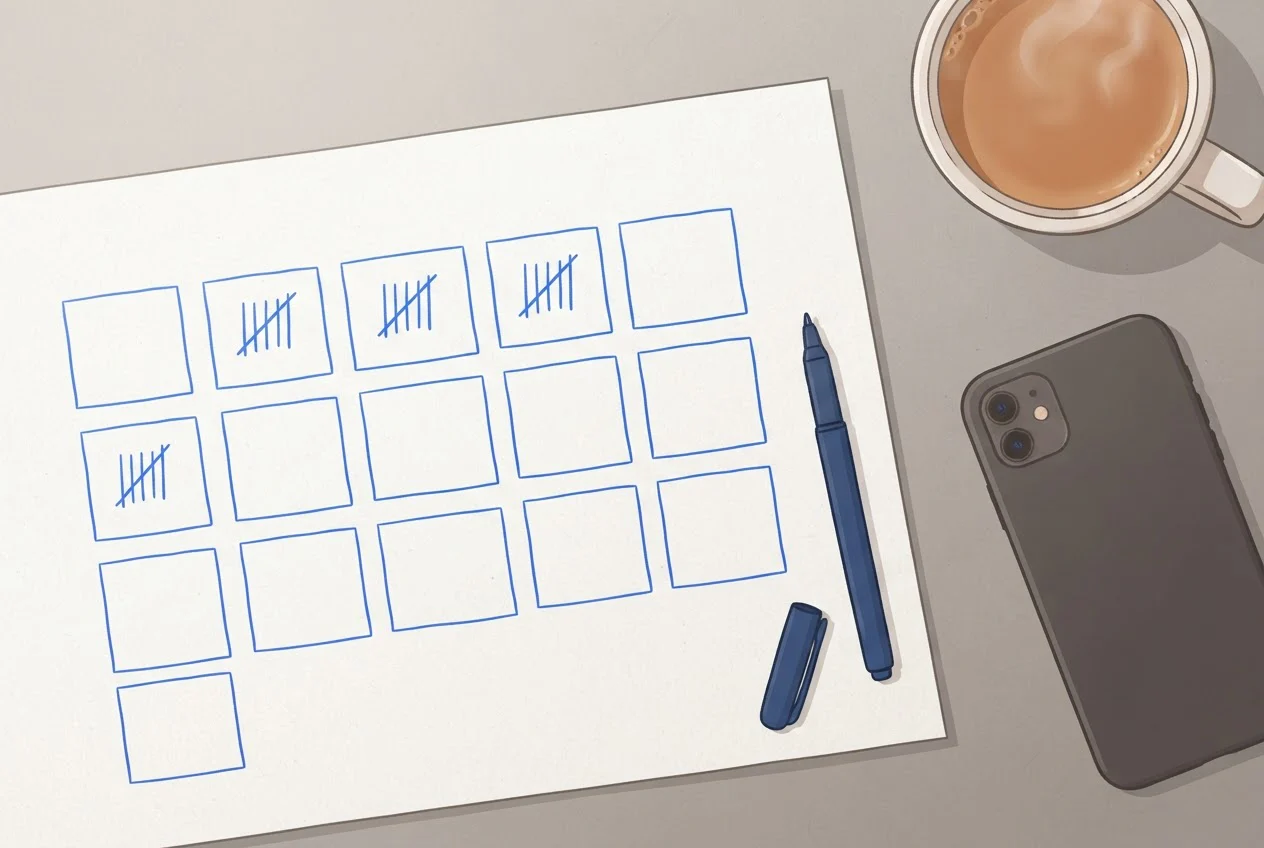
| Label | What it is | Where it comes from | Counting rule |
|---|---|---|---|
| A | Taps on the call button | Performance, Calls, for the same 14 days | Read once on day 15, then subtract your test call |
| B | Calls received | Call log of the number on your listing | Every incoming call, answered or not; repeat attempts from one number within 10 minutes count once |
| C | Calls answered | Same call log | A person spoke to the caller |
| D | Missed callers rung back in time | Same call log | You rang back within 15 minutes of the miss, or within 15 minutes of opening if it came after hours |
How do you set up a number that logs the calls?
Use a number whose calls you can log, make it the primary number on your listing, and prove with a test call that the call button rings it. Four steps:
- Choose the number you will log.
If your listing number already rings a phone or app that keeps a call history, use that and note each call on a sheet: time, answered or missed, and whether you rang back. If you want one shared log with recordings and team access, our Virtual Business Number is a shared business number with call routing, recordings, analytics and AI summaries. Every incoming call, answered or missed, lands in one call history your whole team sees. As of October 2026, our Pro plan costs ₹999 + GST (Goods and Services Tax) a month, with three hours a day of talktime, the minutes of calling you buy. Extra talktime is ₹49 + GST an hour, and you can cancel any time.
- Set the logged number as the primary number.
In your profile, choose Edit profile, then Contact, and set the phone number. Google allows your primary number plus up to 2 more, so keep your old number as an additional one and customers who know it still reach you. B counts only calls to the logged number, so the missed share you work out is for listing callers, not for every call your business gets.
- Run one test call.From a different phone, find your own listing on Google Maps and tap Call. Note the time, and subtract that call from A and B on day 15. Pass: the logged number rings and the call appears in the log. Fail: your old number rings; check which number is saved as primary and test again.
- Keep the logged number off other places.Leave it off your website, ads and signboard for the two weeks. Otherwise B includes calls Google did not send.
Customers already know your current number, so read the porting rules for keeping a business number before changing the primary.
How do you read the result?
Three ratios do the work:
- Received-to-tap ratio = B ÷ A
- Missed share = (B − C) ÷ B
- Callback rate = D ÷ (B − C)
This worked example uses invented figures for a clinic. It illustrates the arithmetic. It is not a benchmark and not customer data.
| Measure | Working | Result |
|---|---|---|
| Taps (A) | Performance | 120 |
| Calls received (B) | Call log | 150 |
| Calls answered (C) | Call log | 105 |
| Missed calls | 150 − 105 | 45 |
| Called back in 15 minutes (D) | Call log | 18 |
| Received-to-tap ratio | 150 ÷ 120 | 1.25 |
| Missed share | 45 ÷ 150 | 30% |
| Callback rate | 18 ÷ 45 | 40% |
| Callers never recovered | (45 − 18) ÷ 150 = 27 ÷ 150 | 18% |
How to read your own result:
- Received-to-tap ratio above 1 means customers also reach the logged number by dialling by hand or from places you forgot to clear. Below 1 means cancelled taps, or a button that dials a different number from the one you log. Repeat the test call to rule out the second.
- Missed share is the number that matters. Our recommendation is a missed share under 10% during opening hours. It is a target we chose, not an industry benchmark.
- Callback rate should be close to 100%. Every missed caller deserves a call. Our recommendation is to make the first one within 15 minutes, a window we chose rather than a measured one.
On our dashboard, the call report gives you total calls, answer rate and missed calls directly, plus peak hours, and the reports can be downloaded. Calls you place from the app are logged too, so D can be counted from the same history.
How do you answer the callers your listing already sends?
Ring back every missed caller within 15 minutes of the miss, and decide before the next miss who does it. Someone who clicked your call button is choosing between nearby options, so a quick call from you can decide the choice. That is our reasoning, not a measured result. For what the five-minute rule for enquiries does and does not show, see lead response time.
There are three practical routes:
- A named person. Give one person the missed-call list from the call log each morning and after each lunch break. The missed call callback workflow shows when a miss should become a task.
- An automatic callback. Our platform is designed to call customers back automatically after a missed call, so the customer hears from you while the number is still on their screen.
- Other routes. To compare approaches, see seven ways to win missed callers back in India.
Check the peak-hours view from your 14 days. If misses cluster in the same two hours, staff for those hours before you spend anything on the listing.
Is a call about your listing really from Google?
Sometimes. Google's automated calls and texts exist to "accept bookings, keep information up to date, or confirm price and availability." You can switch them on or off under Advanced settings, "Automated calls and texts from Google", as the menu stands in October 2026.
Callers who offer paid help are another matter. Google warns against calls, emails or texts from people who offer to help with your Business Profile for money, including people claiming to be Google support. It states: "Google will never try to convince you to pay to maintain your Business Profile. This includes having your Business Profile verified or reinstated." It also states: "Google will never ask for One Time Password (OTP) or Personal Identification Number (PIN)." Hang up, and check your profile by signing in yourself. Neither kind of call is a customer clicking your call button, so neither belongs in the Calls figure.
Want a call log for your Google listing calls?
Frequently asked questions
Sources
- 1.Understand your Business Profile performance & insights, Google Business Profile Help (definition of the Calls metric)
- 2.Changes to Google Business Profile chat and call history, Google Business Profile Help (31 July 2024 removal; 30 August 2024 Takeout deadline)
- 3.Add your phone number, Google Business Profile Help (primary number plus up to 2 more)
- 4.Manage advanced profile settings, Google Business Profile Help (automated calls and texts from Google)
- 5.Help protect your Google Business Profile, Google Business Profile Help (payment, OTP and PIN scam warnings)
- 6.79% of Indians avoid unknown business calls, creating new challenge for brands: Report, Business Today, 8 July 2026 (The State of Business Calling 2026, Kantar for Truecaller and Tata Tele Business Services)