
8 companies compared
Call Queue Software: What a Small Team on One Number Needs
Call queue software holds callers in line when everyone is busy. A team of two to five on one number usually needs routing, callbacks and peak-hour data first; a worksheet shows which.

By Tej Pandya, Founder · Updated 31 Oct 2026
On this page
- 01The shortlist
- 02How we ranked them
- 03The companies in detail
- 04How to choose
- 05Key takeaways
- 06Do two to five people sharing one number need call queue software?
- 07How do you work out the chance a caller waits in your busiest hour?
- 08Why does the headcount give the wrong answer?
- 09What cuts waiting and dropped calls on one shared number without a queue?
- 10When do you need call queue software, and which providers offer it?
- 11Method and sources
- 12Frequently asked
The short answer
Two to five people sharing one number usually do not need call queue software. They need their busiest-hour wait chance, then routing to whoever is free and callbacks for missed calls. If the worksheet lands over 30% after you have added what you can, move to queue software.
The shortlist
- 1TalkEasyOur companyBest overall for two to five people on one number
- 2Acefone (Contact Center Studio)For an inbound desk of five or more
- 3MyOperatorFor teams that want an IVR menu in rupees
- 4Zoho VoiceFor teams up to 10 users on a free starting plan
- 5JustCallFor teams paying in dollars who want IVR on every plan
- 6AircallFor small teams of three or more wanting queuing and IVR
- 7FreshcallerFor teams that want a low entry price per agent
- 8CallHippoFor teams wanting queue callbacks and hold music
How we ranked them
- Offers a call queue or an interactive voice response (IVR) menu
- Publishes prices on its own pricing page, read on 31 October 2026
- Suits a small team of two to five people on one number
- Lists queue, routing or callback features on a named plan
The companies in detail
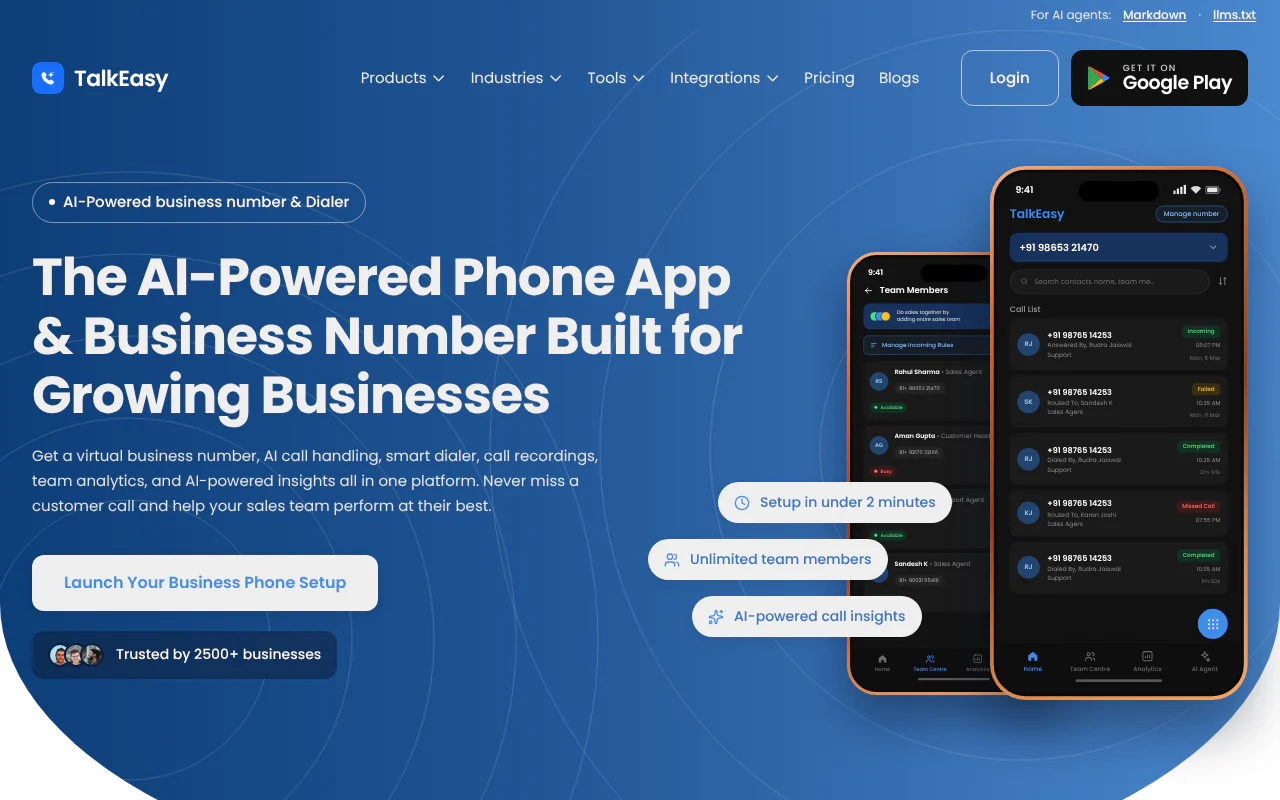
TalkEasy
Routing, automatic callbacks and peak-hour reports on one shared number
- Queue and callback
- Routing to free people; automatic callback after a missed call
- Price
- Pro ₹999 + GST a month
- Billing
- Monthly; cancel anytime
- Suits
- Small sales, support or front-desk teams on one number
TalkEasy suits small sales, support or front-desk teams sharing one business number. Routing sends calls to available people, and Missed Call Automation is designed to call the customer back after a missed call. Every person sees the same call history.
Strengths
- Routing rules send calls to a team, a department or only available team members, with different rules for office hours and after hours
- Call Analytics shows Peak Calling Hours, missed calls and answer rate, with daily and monthly reports you can download
- The Pro plan includes unlimited users, call recording and history, team management and the analytics dashboard
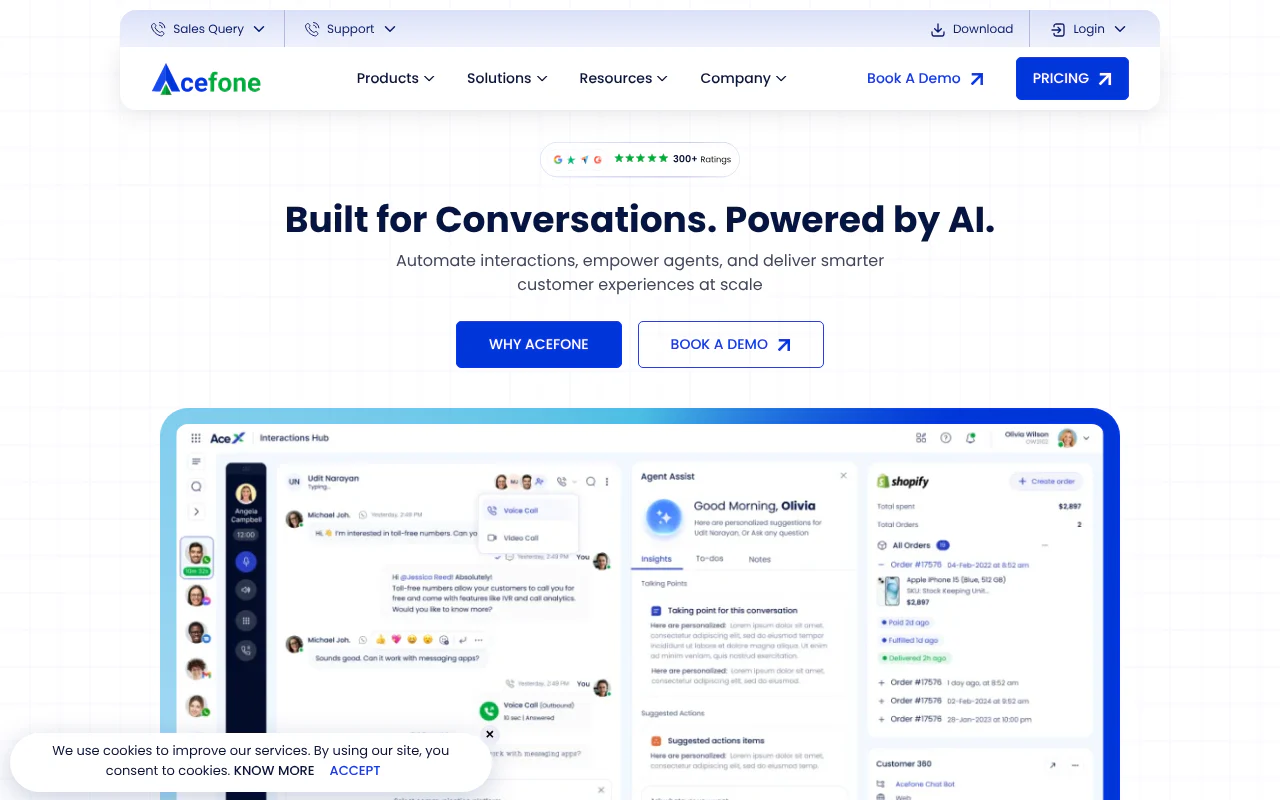
Acefone (Contact Center Studio)
Call queue and scheduled callbacks with agent reports
- Queue and callback
- Queue and scheduled callbacks
- Price
- ₹1,599 or ₹1,999 per user a month
- Billing
- Monthly; 5 to 6 seat minimum
- Suits
- An inbound desk of five or more
Acefone's Contact Center Studio offers a call queue and scheduled callbacks, with agent reports. It is built for an inbound desk of five or more.
Strengths
- Call queue is available
- Scheduled callbacks are available
- Agent reports are included
Limitations
- Professional needs at least 6 seats, so the minimum is ₹9,594 a month (6 × ₹1,599)
- Ultra needs at least 5 seats, so the minimum is ₹9,995 a month (5 × ₹1,999)
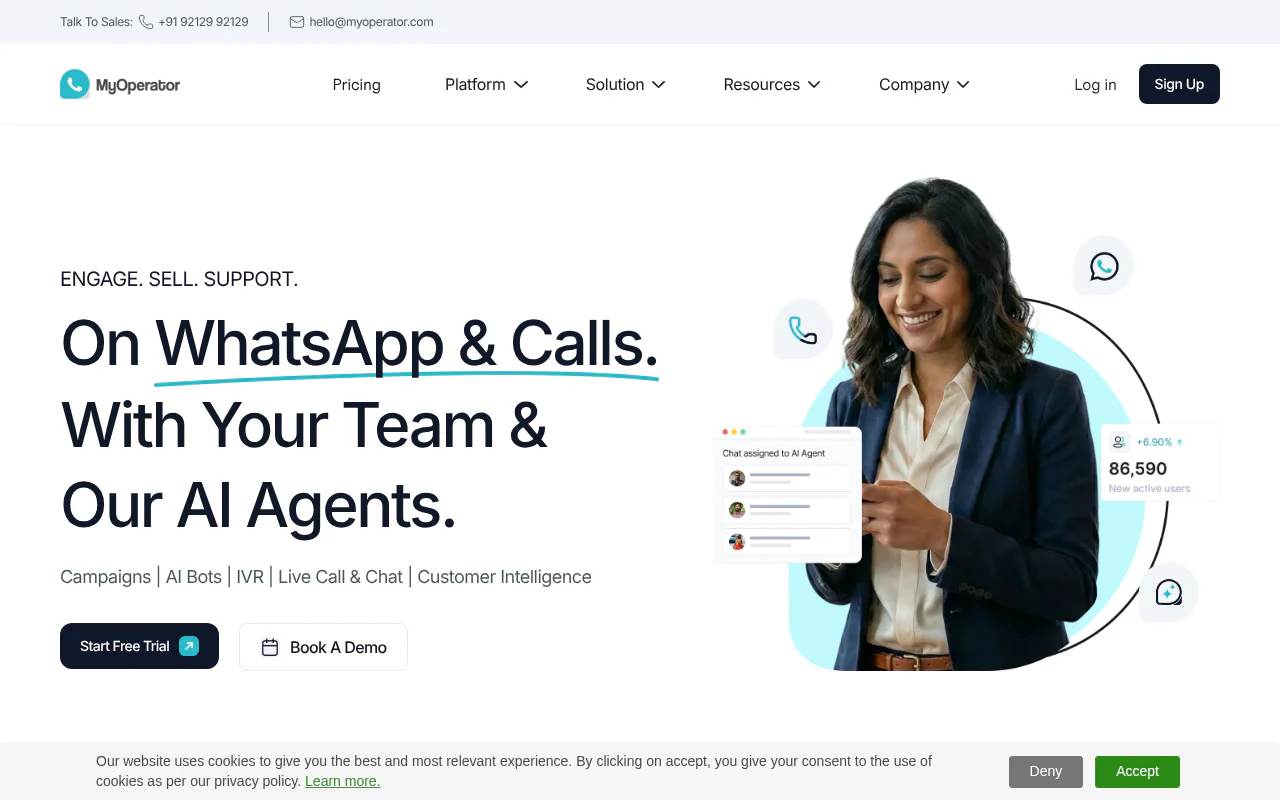
MyOperator
IVR on every plan with unlimited in-and-out calling
- Queue and callback
- IVR on all plans
- Price
- Sedan ₹5,000 a month (10 users)
- Billing
- Annual upfront
- Suits
- Teams that want an IVR menu in rupees
MyOperator puts IVR on every plan, plus unlimited in-and-out calling and recording. Prices are in rupees and billed annually upfront.
Strengths
- IVR is included on every plan
- Unlimited in-and-out calling
- Call recording is included
Limitations
- Sedan is billed annually upfront, ₹60,000 a year (₹5,000 a month for 10 users)
- Smart IVR is only on SUV, at ₹15,000 a month for 10 users, also billed annually
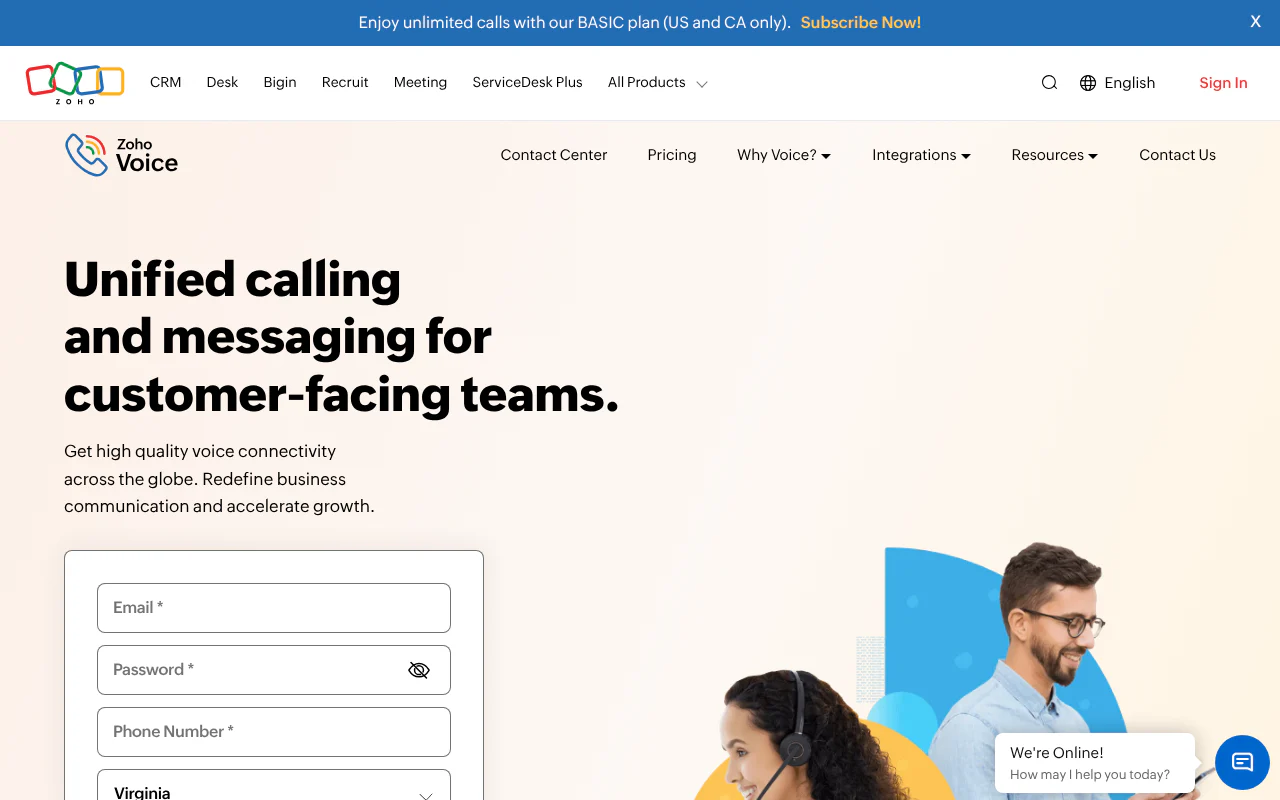
Zoho Voice
Call queues, queue callback and multi-level IVR by plan
- Queue and callback
- Queues from Team; queue callback from Basic
- Price
- In credits
- Billing
- Per plan
- Suits
- Teams up to 10 users who want queues and a free starting plan
Zoho Voice suits teams up to 10 users who want queues and a free starting plan. Call queues start on the Team plan, with queue callback and queue analytics from Basic.
Strengths
- Queue callback and queue analytics from Basic
- Call queues from the Team plan
- Multi-level IVR from the Team plan
Limitations
- Prices are quoted in credits, so no rupee price per plan can be read from the page
- The free starting plan is for teams up to 10 users, so larger teams must move to a paid plan
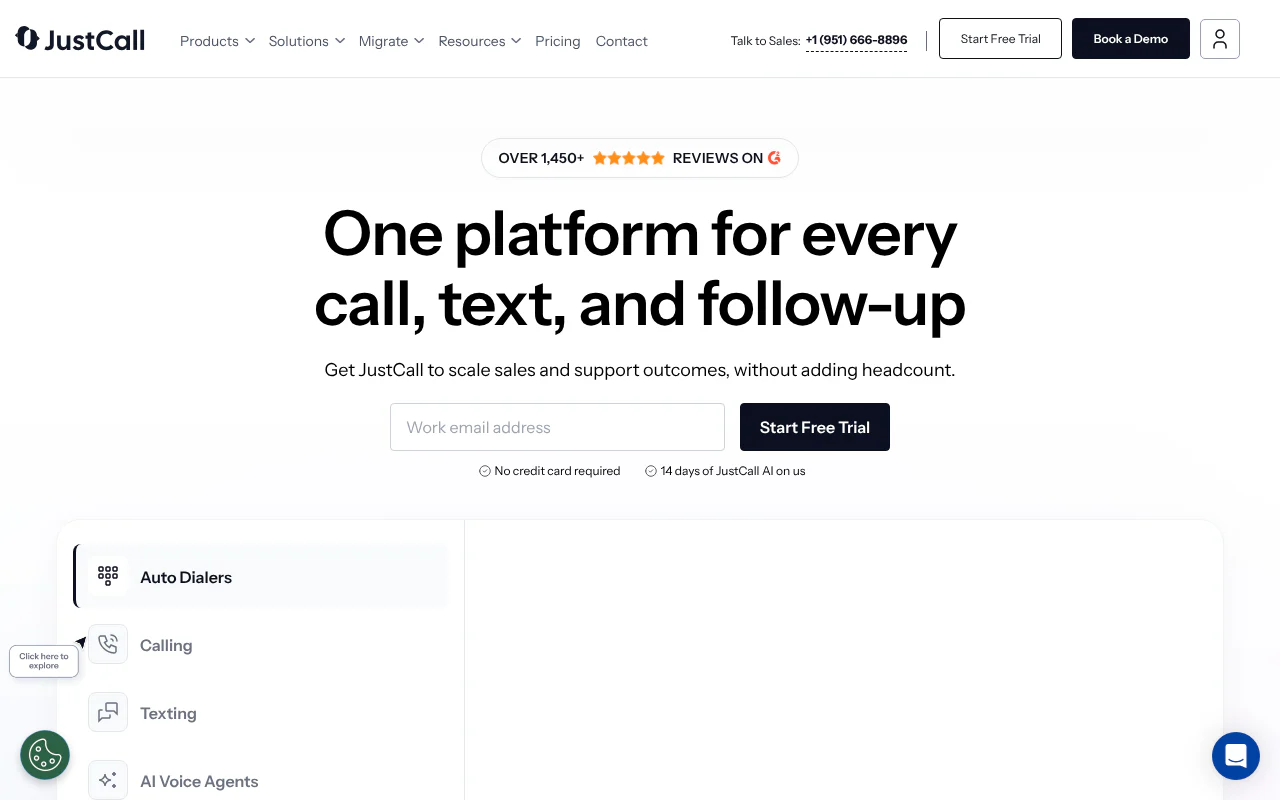
JustCall
IVR on every plan, queue callback on Pro, ACD on Pro Plus
- Queue and callback
- Queue callback on Pro; ACD on Pro Plus
- Price
- $29 / $49 / $89 per user a month
- Billing
- Annual, US dollars
- Suits
- Teams comfortable paying in dollars who want IVR on every plan
JustCall suits teams comfortable paying in dollars who want IVR on every plan. Queue callback is on Pro and full automatic call distribution (ACD) on Pro Plus.
Strengths
- IVR on every plan
- Queue callback on Pro
- Full ACD, which hands each call to the next free person, on Pro Plus
Limitations
- Billed annually in US dollars, so there is no monthly option
- Per-user pricing of $29, $49 or $89 a month multiplies with each seat added
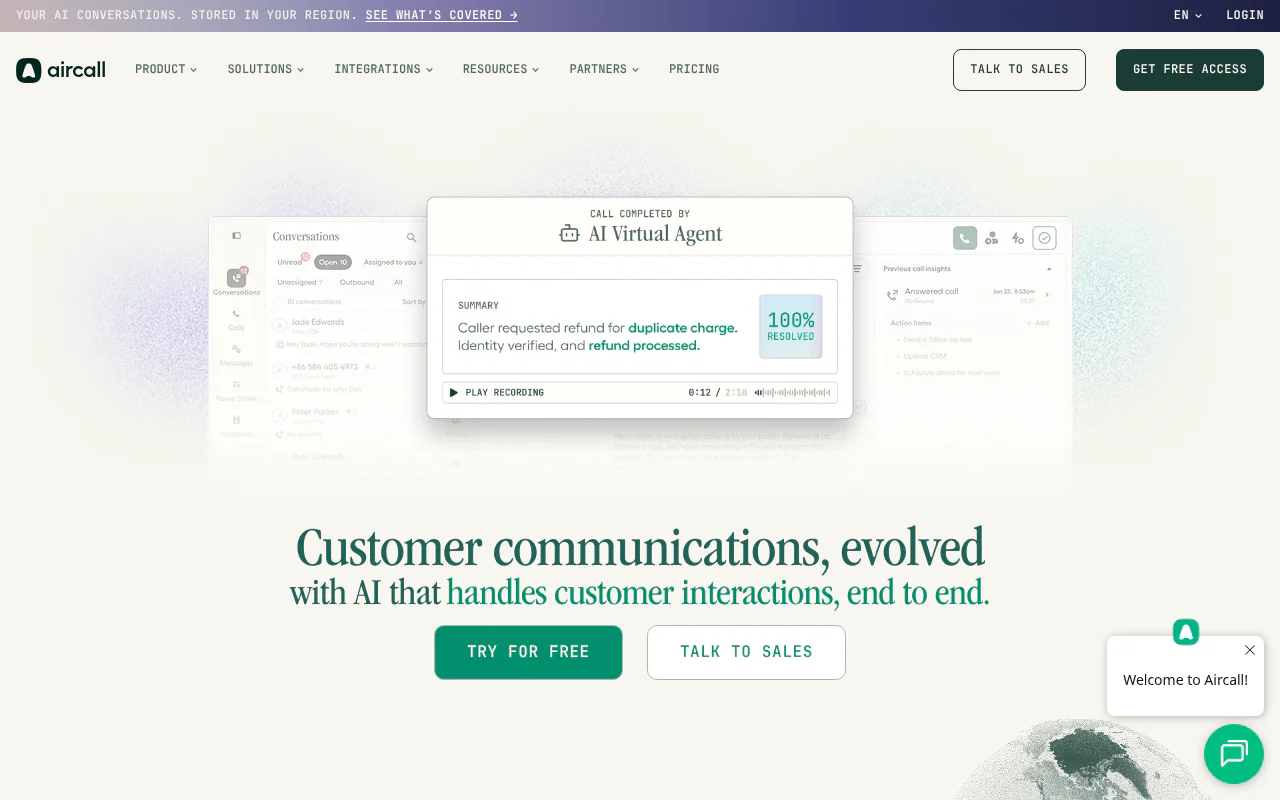
Aircall
Call queuing, IVR and routing on both self-serve plans
- Queue and callback
- Queuing on all; callback on Professional
- Price
- $30 / $50 per licence a month
- Billing
- Annual; 3 seats
- Suits
- Small teams of three or more who want queuing and IVR together
Aircall suits small teams of three or more who want queuing and IVR together. Call queuing, IVR and routing are on both self-serve plans.
Strengths
- Call queuing on both self-serve plans
- IVR on both self-serve plans
- Routing on both self-serve plans
Limitations
- Queue callback is Professional only
- A 3-seat minimum and dollar billing mean $150 a month at 3 seats on Professional, billed annually
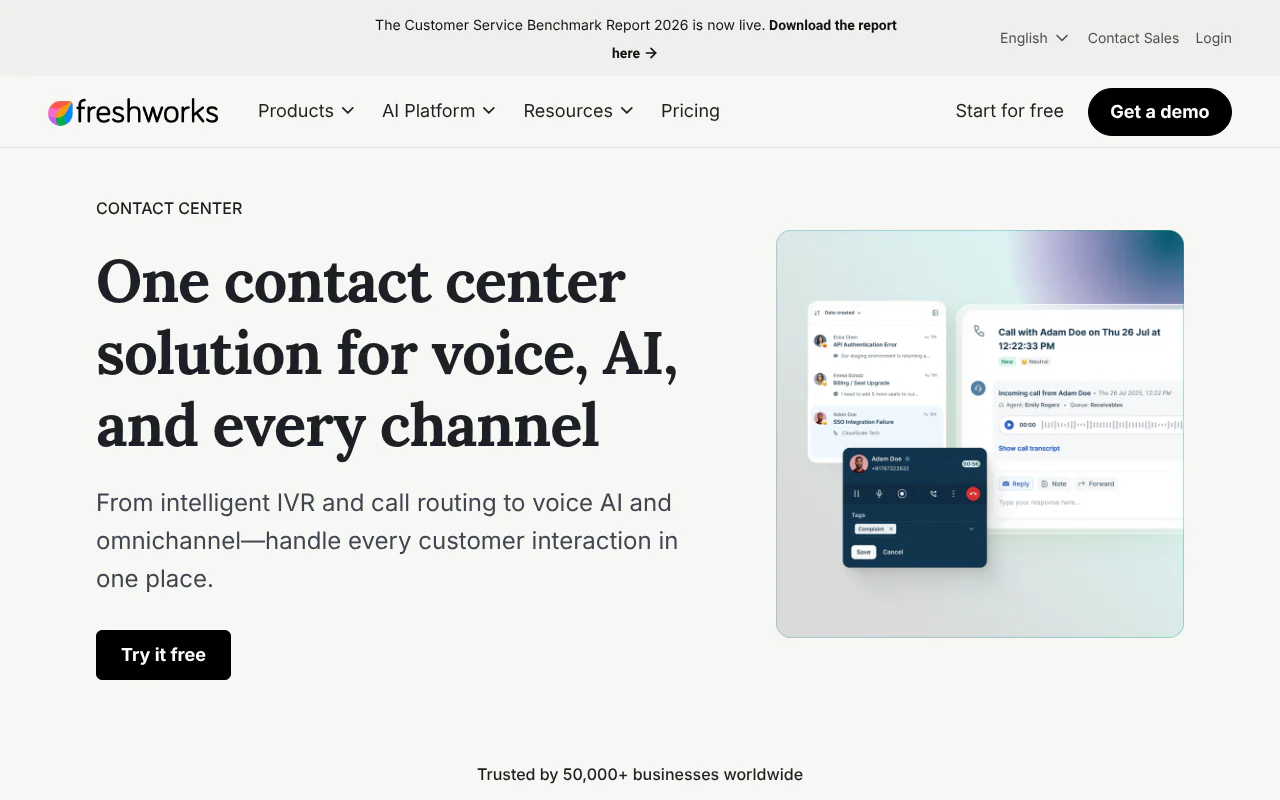
Freshcaller
Wait queues, call queues and abandoned-call metrics by tier
- Queue and callback
- Wait queues from Growth; queues on Pro
- Price
- $15 / $39 / $69 per agent a month
- Billing
- Annual, plus per-minute
- Suits
- Teams that want a low entry price per agent
Freshcaller suits teams that want a low entry price per agent. Wait queues start on Growth and call queues on Pro, with abandoned-call metrics and service level monitoring on Enterprise.
Strengths
- Wait queues on Growth
- Call queues on Pro
- Abandoned-call metrics and service level monitoring on Enterprise
Limitations
- Per-minute charges come on top of the per-agent price
- Billed annually in dollars, at $15 (Growth), $39 (Pro) or $69 (Enterprise) per agent a month
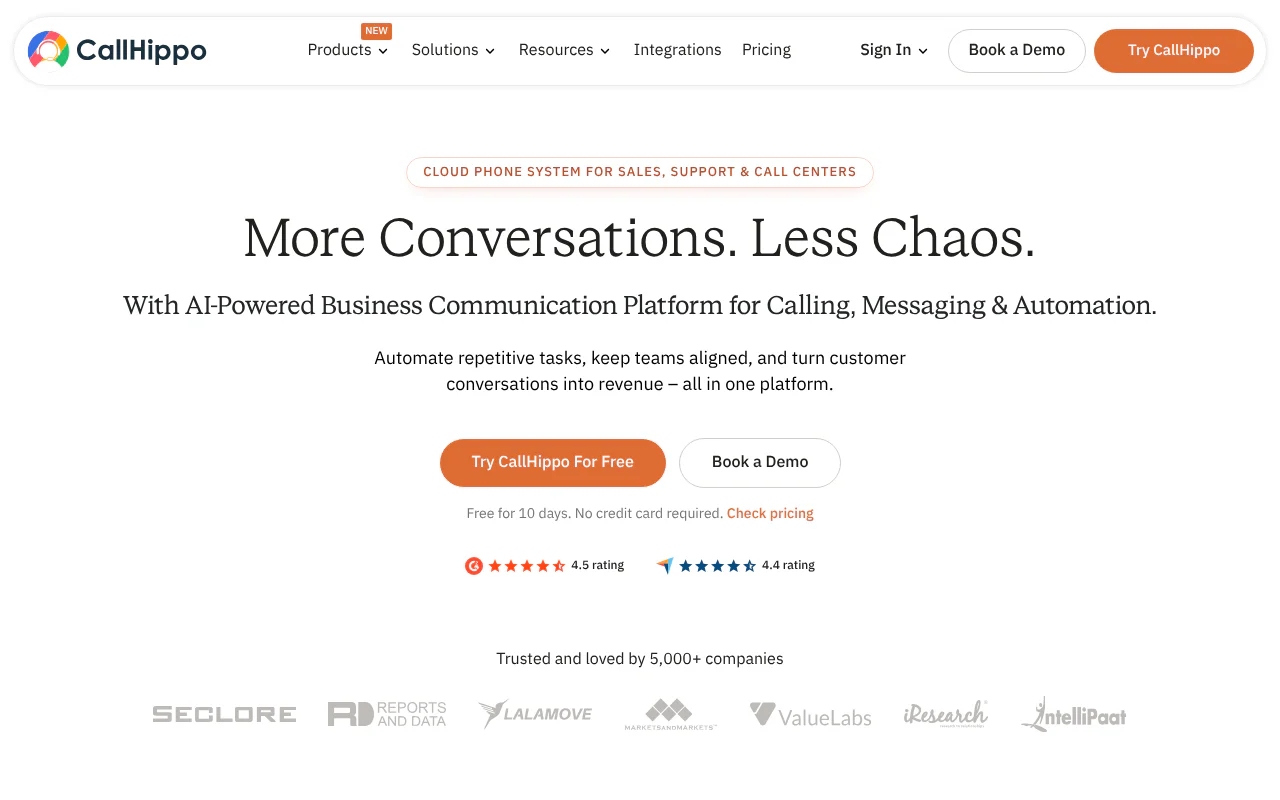
CallHippo
Queue callbacks, custom greetings and real-time monitoring
- Queue and callback
- Queue callbacks
- Price
- $18 / $30 / $42 per user a month
- Billing
- Annual, US dollars
- Suits
- Teams that want queue callbacks and hold music from a per-user price
CallHippo suits teams that want queue callbacks and hold music from a per-user price. It also lists custom greetings and real-time monitoring.
Strengths
- Queue callbacks
- Custom greetings
- Real-time monitoring
Limitations
- Billed annually in US dollars, with no rupee pricing
- Per-user pricing of $18, $30 or $42 a month multiplies with each seat added
How to choose
- 1
Your own wait chance
Pass: the worksheet gives a number for your busiest hour. Under 10% means buy routing and callbacks, not a queue. - 2
The seat arithmetic
Multiply the per-user price by the seats you will use, including any minimum, and check whether billing is monthly or annual upfront. Pass: the full-year cost fits with no unused seat. - 3
Callback on the plan you will buy
Pass: your plan, not a higher one, lists it. Several providers above put queue callback on a mid or top tier. - 4
Peak-hour export
Pass: you can download seven days of calls by hour. - 5
A seven-day test
Pass: every missed call in the log has a callback logged the same day. This is our recommendation, not a published standard.
Key takeaways
- Two to five people sharing one number usually do not need call queue software. They need their busiest-hour wait chance, then routing to whoever is free and callbacks for missed calls.
- In our model, two people free with 5-minute calls have a 33% chance that a caller waits at 12 calls in the busiest hour, and 64% at 18.
- Under 10% means routing is enough. Over 30% means adding a person at that hour and using TalkEasy's callbacks and routing to cover the peak.
- Seven other providers are compared below, with prices read from their own pricing pages on 31 October 2026.
Do two to five people sharing one number need call queue software?
Usually not until their busiest hour says so. A call queue is a waiting line: callers hear hold music until the next person is free. That helps when calls regularly outnumber the people free, and it adds little when someone is usually free.
Waiting also has a cost. In the 2023 edition of Call Centre Helper's "What Contact Centres Are Doing Right Now" survey of contact centre professionals, 36% (16.9% under 29 seconds plus 19.1% at 30 to 59 seconds) said callers abandon inside a minute, and 15.2% said callers hold for four minutes or more. Those are contact-centre respondents, not your callers. Our reading: a queue converts a missed call into a caller who waited and then left.
So the useful test is how often a caller would have to wait at all.
How do you work out the chance a caller waits in your busiest hour?
Count your busiest-hour calls, your average call length and the people actually free, then read the chance from the table below. Five steps:
- Find the busiest hour. Download seven days of reports from Call Analytics. Count answered plus missed calls in the busiest hour of each day. Use the middle value for a normal day and the highest for a bad one.
- Find the average call length. Read it from connected calls. Round to the nearest 5 minutes and use the table. For other lengths, use the formula below.
- Count people free in that hour. Do not count headcount. Remove anyone on a site visit, at lunch or on another job.
- Read the table. If you land between columns, use the lower number of people. If your call count falls between rows, use the higher row.
- Decide using the three bands under the table.
This is our model, not an official figure. It uses the Erlang C formula, the standard queueing calculation for a fixed number of people serving one line. The inputs are calls per hour and minutes per call. The load is A = calls per hour × minutes per call ÷ 60, and N is the number of people free. The chance of waiting is:
C = [A^N ÷ N! × N ÷ (N − A)] ÷ [ (sum of A^k ÷ k!, for k = 0 to N−1) + A^N ÷ N! × N ÷ (N − A) ]
Worked example: 12 calls at 5 minutes gives A = 12 × 5 ÷ 60 = 1.0. With N = 2, the top line is 0.5 × 2 = 1.0, the sum is 1 + 1 = 2, and C = 1 ÷ (2 + 1) = 33%. The average wait across all callers is C × minutes per call ÷ (N − A) = 0.33 × 5 ÷ 1 = 1.7 minutes, or 100 seconds. At 18 calls, the average wait across all callers is 386 seconds, about 6.4 minutes. With 3-minute calls and 18 calls an hour, two people free have a 28% chance of making someone wait.
Decide by band (these thresholds are our recommendation):
| Wait chance | What to do |
|---|---|
| Under 10% | Route calls to whoever is free and keep measuring. |
| 10% to 30% | Add callbacks for missed calls, stagger breaks away from the busiest hour, and re-run the worksheet weekly. |
| Over 30% | Callers will wait or hang up. Add a person for that hour, or move to queue software. |
- Calls in busiest hour
- 6
- 2 people free
- 10%
- 3 free
- 2%
- 4 free
- 0%
- 5 free
- 0%
- Calls in busiest hour
- 12
- 2 people free
- 33%
- 3 free
- 9%
- 4 free
- 2%
- 5 free
- 0%
- Calls in busiest hour
- 18
- 2 people free
- 64%
- 3 free
- 24%
- 4 free
- 7%
- 5 free
- 2%
- Calls in busiest hour
- 24
- 2 people free
- queue never clears
- 3 free
- 44%
- 4 free
- 17%
- 5 free
- 6%
- Calls in busiest hour
- 30
- 2 people free
- queue never clears
- 3 free
- 70%
- 4 free
- 32%
- 5 free
- 13%
Why does the headcount give the wrong answer?
The wait-chance table counts people who can pick up, not people on the payroll, and it counts the busiest hour, not the day. Five staff with two out on visits is a two-person line. A team that averages 6 calls an hour but gets 18 between 11 am and noon is judged by 18.
The model assumes calls arrive at random and that nobody hangs up or redials, so use it as a guide, not a forecast. We tested hang-ups separately by simulating 3,000 hours of calls with 5-minute calls and two people free, assuming caller patience follows an exponential distribution with a 60-second mean, so 14% of callers would still be holding at 120 seconds. We counted the hang-up share as callers who gave up ÷ all callers. In our simulation, 17% hang up at 12 calls an hour and 27% at 18. These are simulated results, not a measurement, and the patience figure is our assumption, so read them as the direction of the effect: waiting turns into dropped calls. For counting your own, see Call Abandonment Rate, and for a ceiling on how busy each person should be, see Agent Occupancy.
When do you need call queue software, and which providers offer it?
You need it when the worksheet lands over 30% after you have added what you can: a person in the busy hour, spread-out breaks, callbacks. If you need a call queue or an interactive voice response (IVR) menu, the "press 1 for sales" menu, the providers below offer one. Prices were read on each provider's own pricing page on 31 October 2026.
TalkEasy's Enterprise plan is quote-only and includes unlimited talktime and custom customer relationship management (CRM) integration.
How we built this list
Prices and plan features were recorded from each provider's pricing page on 31 October 2026. TalkEasy publishes this page and is listed first as the pick for a small team on one shared number.
This page is published by TalkEasy. If anything here is out of date, tell us and we will correct it.
Sources
- 1.Call Centre Helper, 2023 survey of how long callers wait before abandoning, Call Centre Helper, 19 October 2023
- 2.TalkEasy Call Analytics, TalkEasy
- 3.TalkEasy Missed Call Automation, TalkEasy