TL;DR
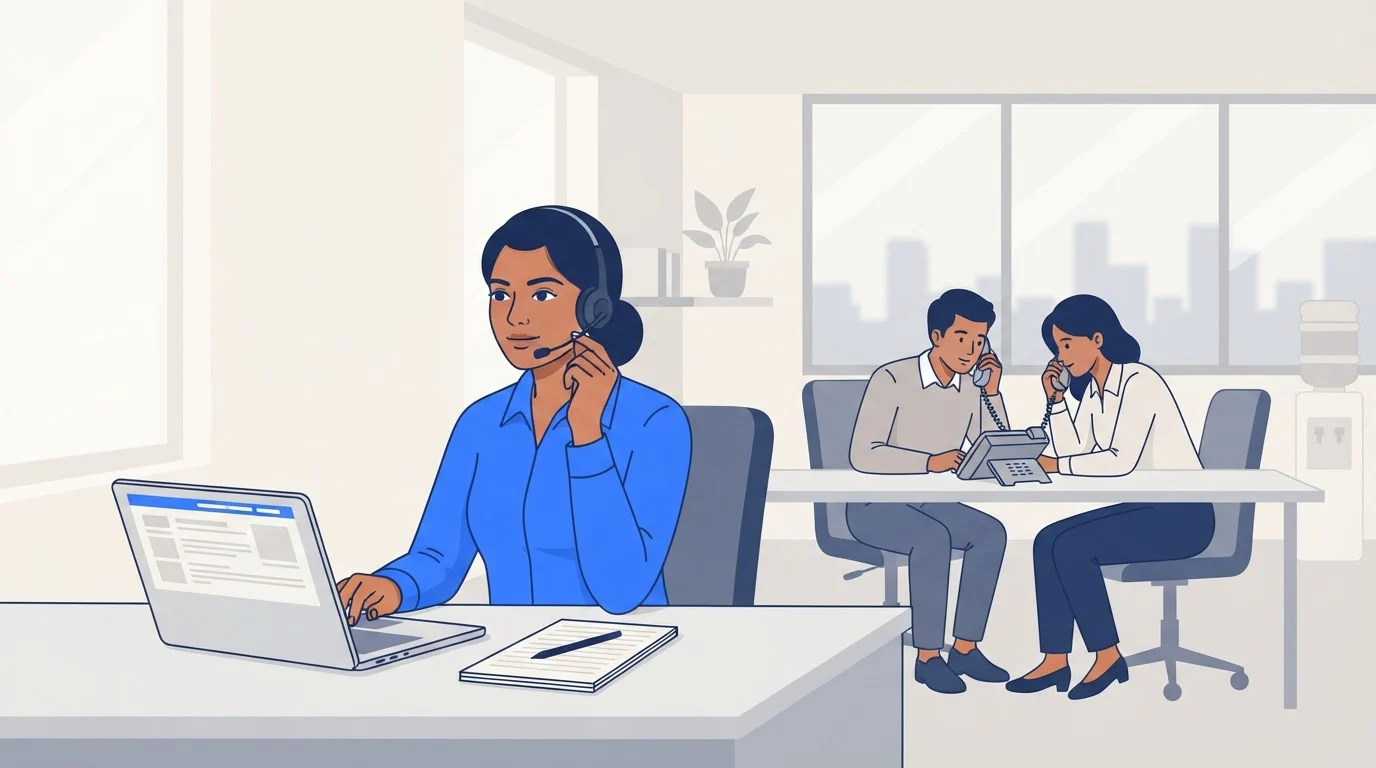
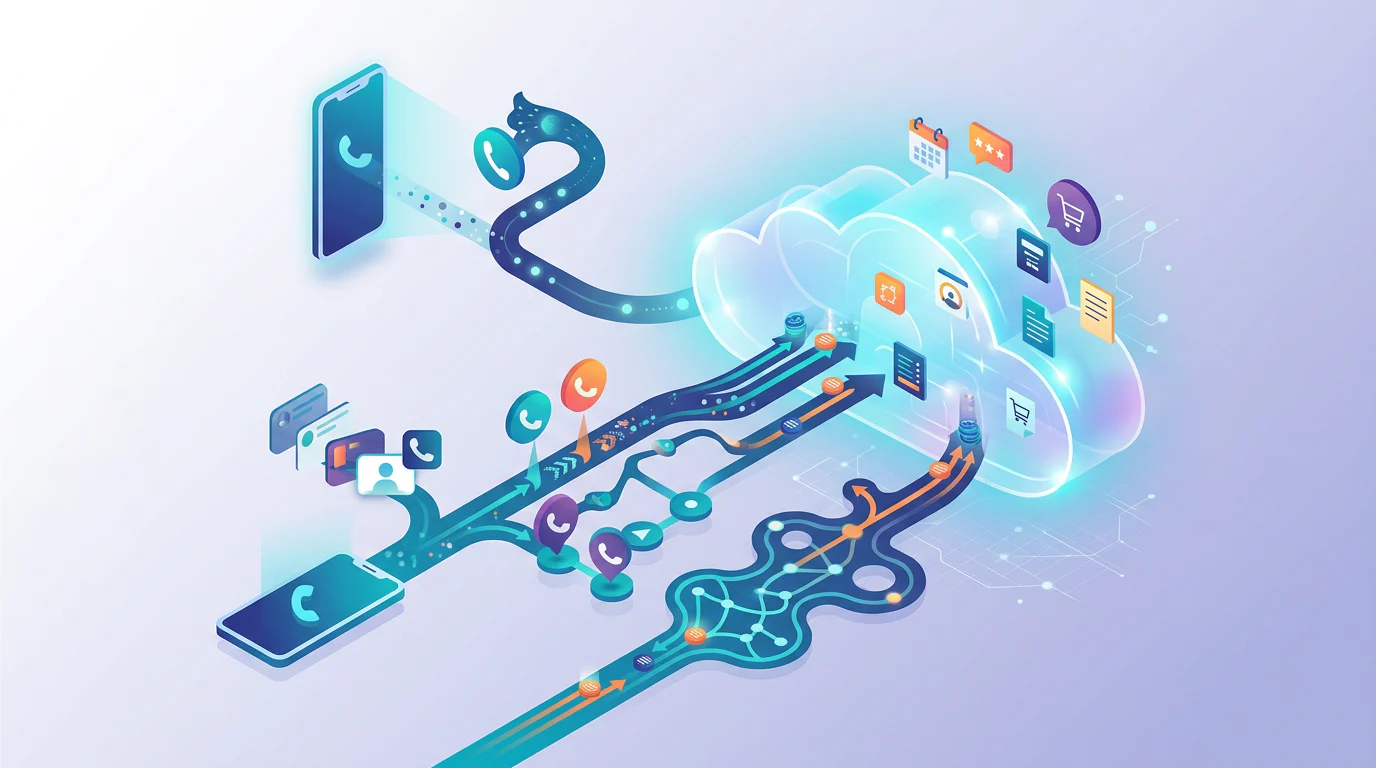
A dialer is software that places phone calls. Your phone's dialer is the app you type numbers into; a business dialer app calls customers from a list and saves each call's outcome. The six types run from click-to-call, where the caller starts every call, to predictive, where software dials ahead. In India, promotional calls need a 140-series number, and auto-dialled calls must be declared to your telecom operator in advance.
A dialer is the app or software that places phone calls. On your phone it is the Phone app you type numbers into; in a business, a dialer app calls customers from a list and saves each call's outcome. In India, business dialer apps cost from ₹0 (Calley's free plan, 25 calls a day) to ₹449 per user a month for GoDial's SIM auto-dialer.
Hindi mein: dialer (डायलर) woh app ya software hai jo number dial karta hai. Business dialer list se number lagata hai aur har call ka result save karta hai.
Dialer meaning: your phone's dialer vs a business dialer
Every smartphone has a dialer: the keypad, call log and contacts in the Phone app. When people ask "dialer app kya hota hai", this is usually what they mean, and replacing it changes nothing about how your business calls customers.
A business dialer app adds four things the phone's dialer doesn't have:
- A call list. Numbers come from a spreadsheet, a CRM or lead forms, not from typing.
- Dialling help. One tap to call, or automatic dialling of the next number.
- Outcomes. After each call the caller marks "interested", "call back Friday" or "wrong number", and adds a note.
- Reports. The owner sees calls, connects and talk time per person.
The 6 types of dialers
Dialers differ in one thing: who starts each call, the caller or the software. Here they are from most human control to least.
| Type | What happens | Fits |
|---|---|---|
| Click-to-call (manual) | Caller taps a number; one call at a time | Callbacks and follow-ups |
| Preview | Caller reads the lead's history, then dials | Calls that need preparation |
| Progressive | Software dials the next number once the caller marks ready | Steady list work |
| Power | Software dials the next number the moment a call ends | Long lists, many unanswered |
| Predictive | Dials several numbers ahead of free callers | Call centres with many agents |
| Voice broadcast (robo-call) | Plays a recorded or AI message, no caller | Reminders to people who agreed |
"Auto dialer" is the umbrella name for any dialer that places calls without a person pressing the number: progressive, power, predictive and voice broadcast. Vendors use "power" and "progressive" loosely: MyOperator says progressive dialers "dial only when an agent is ready", and Exotel describes its power dialer as "one call per agent, auto-triggered when the previous ends". So ask one question when you compare: how many numbers does it ring for each free caller? One keeps customers from answering to silence; more than one means some will.
Which dialer does a small team need?
Match the dialer to the calls, not to the size of the list.
- Callbacks, follow-ups and warm enquiries: click-to-call or preview. The caller needs the last conversation in front of them more than speed. TalkEasy, TeleCRM (₹799 per user a month billed yearly) and most telecaller CRMs work this way.
- Long enquiry lists where most calls go unanswered: progressive or power dialling. SIM auto-dialer apps such as Calley (₹699 a month per user for PRO, or ₹1,699 a month for a 5-agent team) and GoDial (₹449 per user a month) dial from each caller's own phone.
- A call centre with many agents on one campaign: predictive dialling, usually through a cloud telephony provider. Exotel lists an auto dialer in every small-business plan, starting with Dabbler at ₹9,999 for 5 months, and its dialer offers predictive and power modes. MyOperator sells one as an add-on from ₹700 per user a month, only on its ₹15,000-a-month SUV plan or its AI Team plan.
- Voice broadcast: only for people who asked to hear from you, and only with the operator declarations below.
Check the provider's terms too. CallHippo's pricing page says customers "are prohibited from using the service for auto-dialing, predictive dialing", so a cheap cloud plan is not automatically a dialer.
For products and prices side by side, with a 7-day follow-up cadence, see our guide to dialer software for sales follow-up.
Is auto-dialling legal in India?
Auto-dialling isn't banned in India, but TRAI's telecom spam rules (the TCCCPR) decide which numbers and which calls you can use it for.
India's rules for auto-dialled calls, as of 24 September 2026
- Promotional calls need a 140-series number. Since TRAI's February 2025 amendment, normal 10-digit numbers can't be used for telemarketing (PIB). A business that wants a 140 number registers as a sender with a telecom operator (TRAI press release 91/2026). People who block a sector on the DND registry don't receive those calls.
- A call with any promotion in it is promotional. A service call that also pitches an offer counts as a promotional call (TCCCPR Second Amendment 2025).
- Tell your operator before you auto-dial. Since 2025, a sender must notify its telecom operator in advance, in writing, before using auto-dialers or robo-calls.
- Auto-dialled and AI-voice calls become "A2P calls". TRAI's amendment notified on 18 September 2026 defines an A2P call as one "initiated by an application, software system, or automated platform without direct human dialling", including autodialling, robo-calls and artificial voice. Senders must declare them and the numbers used in advance; undeclared ones are treated as spam. The receiving operator may charge the caller's operator up to 5 paise a minute for A2P calls that don't come from 140, 1600 or 1601 numbers. These parts start 60 days after the amendment's Gazette publication.
- Complaints cost you every number you own. A first violation bars outgoing calls on all the sender's numbers for 15 days; a repeat disconnects them for a year and blacklists the sender (PIB). From 90 days after the 2026 amendment's Gazette publication, 3 complaints in 10 days plus an AI flag from the operator can trigger action (TRAI press release 119/2026).
In practice: a click-to-call dialer on an ordinary number suits callbacks and enquiries. An auto dialer pointed at cold lists needs a 140-series number, DND scrubbing and an operator declaration first.
Dialer, telecalling CRM or call tracker?
The three get sold under the same words. A dialer places calls; a telecalling CRM adds the lead list, assignment and follow-up reminders around it; a call tracker places no calls and only reports each phone's call log.
If leads arrive daily and follow-ups slip, you want a telecalling CRM; our telecalling app guide compares them. If you only want to see who called whom, see Callyzer alternatives.
TalkEasy by GrowEasy's click-to-call dialer
TalkEasy's business dialer is click-to-call inside the TalkEasy app, on a business number the whole team can share alongside their own SIMs. It logs each call's contact, time, duration and outcome, and the caller can add a note straight after the call. Calls are recorded with an announcement at the start, and a short AI summary of each call follows within a couple of minutes.
Pro costs ₹999 a month plus GST for unlimited users, with 3 hours of talktime a day and extra talktime at ₹49 an hour plus GST (pricing). If your callers work through long cold lists, an auto dialer with a 140-series number is the better tool.
Last reviewed 24 September 2026.