TL;DR
We help three-person HVAC teams turn unanswered, busy and after-hours calls into a clear next action without needing a developer. This guide covers forwarding versus porting, event-based text and AI responses, shared ownership, booking handoff, compliance controls and a fifteen-minute test that proves the workflow works.
Missed-Call Automation for Three-Person HVAC Teams
In December 2025, India’s DLT system blocked more than 7.5 crore SMS and voice communications a day, according to a DoT update. That makes a reliable, correctly configured response workflow more important than simply sending more messages.
A three-person HVAC team can use missed-call automation for three-person HVAC teams without a developer by connecting an existing or new business number to event-based routing, a quick text or AI response, and one shared inbox. The workflow collects service type, postcode, urgency and preferred appointment time, then alerts an on-call person or creates a booking.
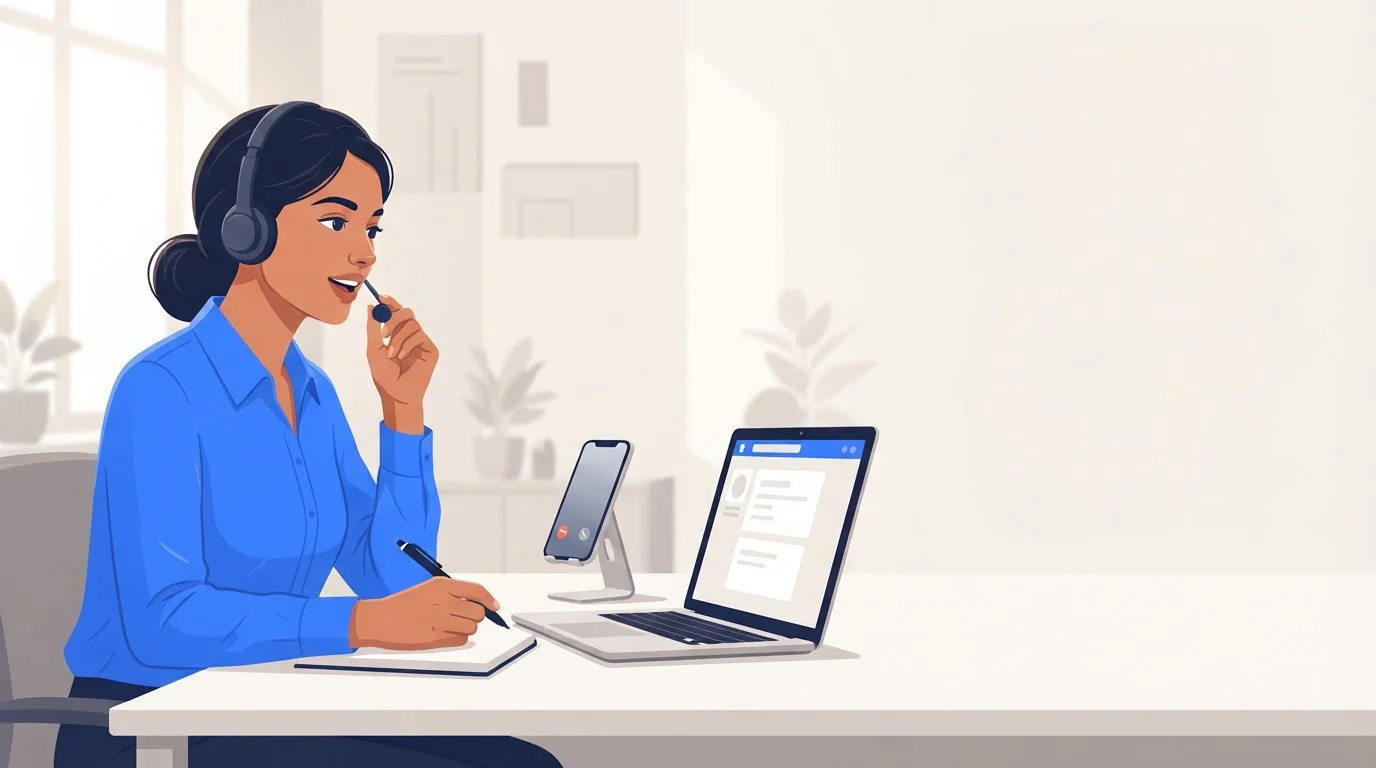
We will show how to separate busy, unanswered and after-hours calls, keep human ownership visible, and test the complete path before a peak-season call depends on it. Our AI Missed Call Agent is built around this same practical goal: no customer enquiry should disappear because the team was on a job.
What Should Happen When a Three-Person HVAC Team Misses a Call?
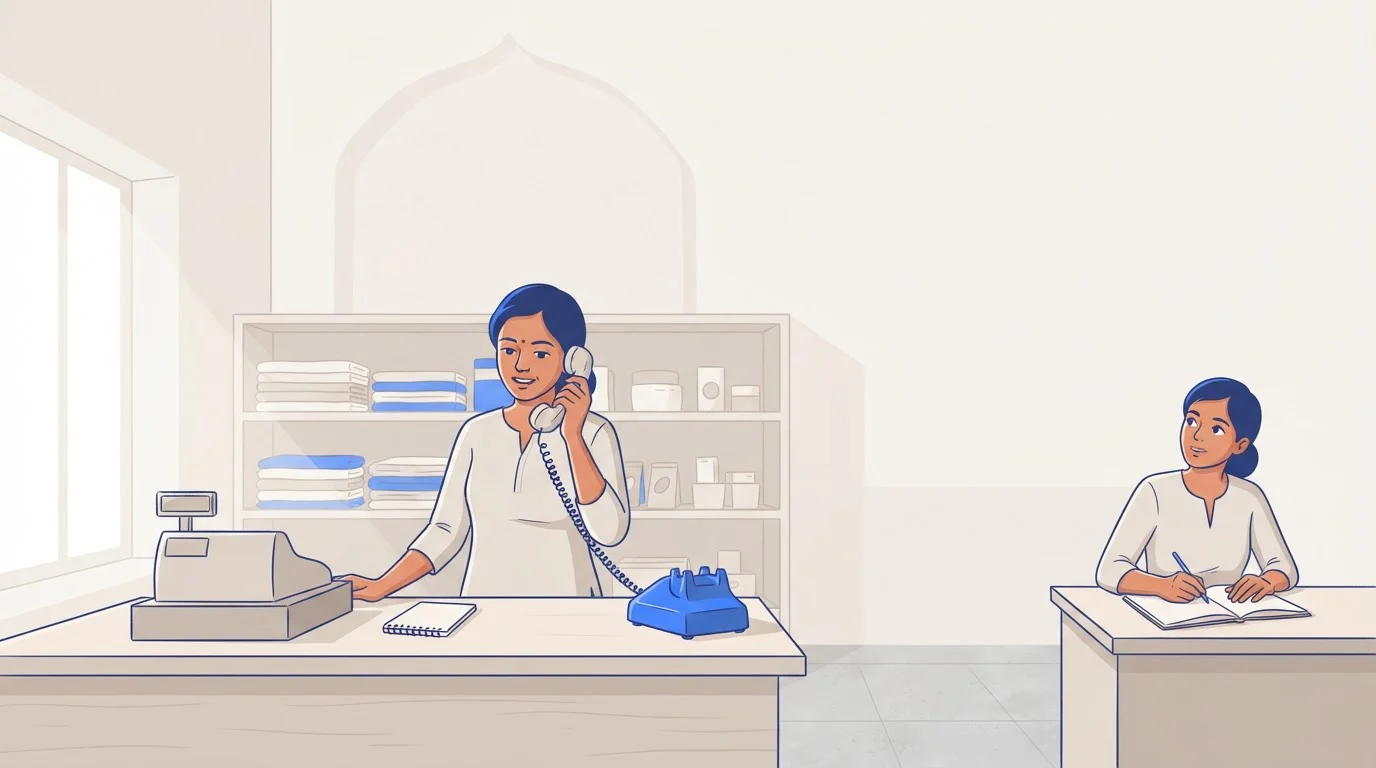
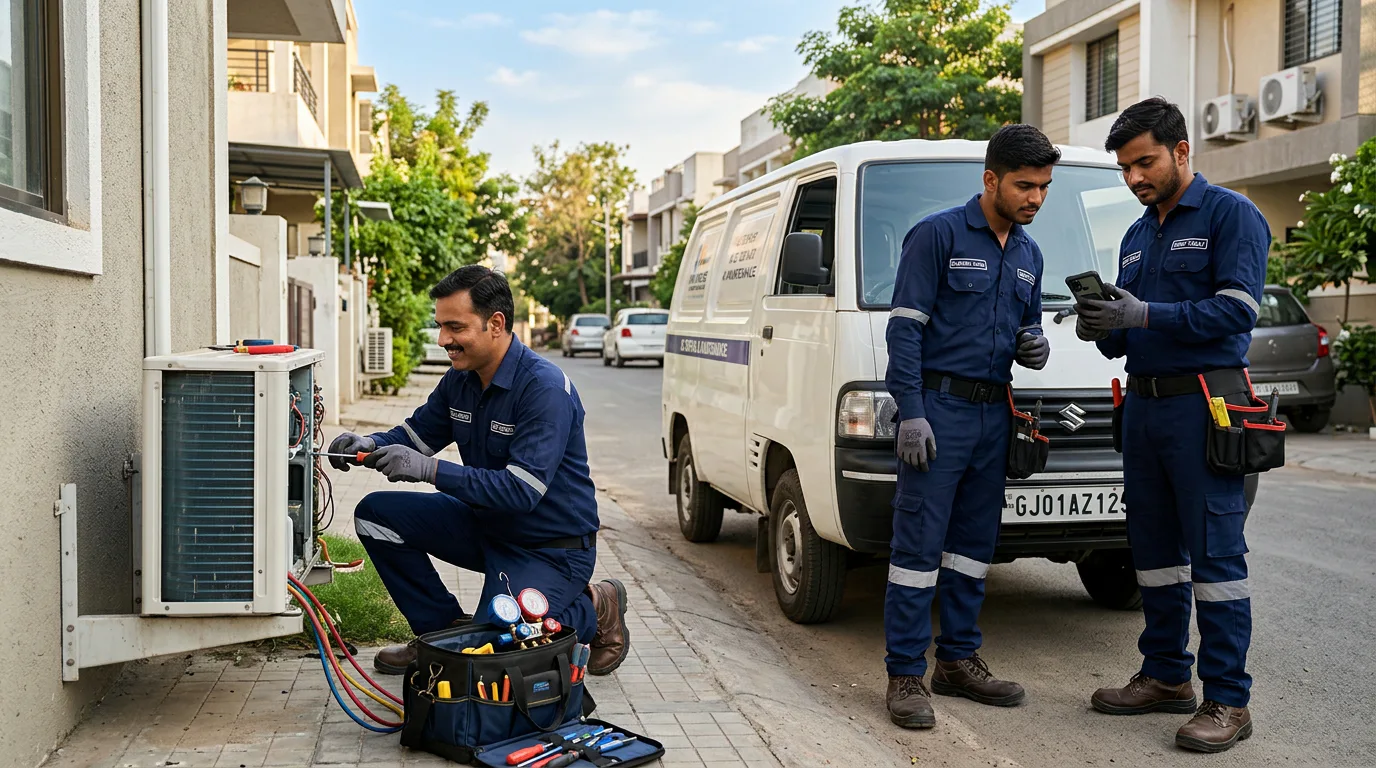
A missed call is not one situation. A technician may be driving, another person may be on a customer call, and the third may be carrying out a repair. The system should identify the event, acknowledge the customer quickly, and assign a person to own the next action.
For a team receiving 40 to 50 calls in a day and answering roughly half live, the workflow may need to route 20 to 25 missed-call events. That is manageable when every event has one owner, one status and one next step, rather than living in three separate personal call logs.
Start with the Four Questions That Matter
The first response should collect the minimum information needed to route the job:
- Service Type: Ask whether the customer needs installation, repair, maintenance or a quote.
- Postcode Or PIN Code: Confirm the service area before promising a visit.
- Urgency: Distinguish routine scheduling from loss of cooling, water leakage or another priority issue.
- Preferred Appointment Time: Give the dispatcher a usable callback or booking window.
Set Four Rules Before Switching on Automation
During business hours, send an acknowledgement and alert the assigned caller-back owner. After hours, acknowledge the request, collect details and create a next-business-day task. For an emergency, notify the on-call person immediately and keep the message focused on safety and contact details. For overflow, tag the conversation so the team knows that multiple customers arrived while everyone was occupied.
Repeat callers need a different rule. Instead of sending the same automated message again, flag the second attempt for a person. A repeat call can mean the first response did not arrive, the customer could not complete the intake, or an urgent issue needs attention.
Which Call Events Need Different Responses?
The response should match the reason the live conversation did not happen. Do not treat a busy signal, a caller who ends the call quickly and a planned after-hours closure as identical events. The TRAI framework also distinguishes commercial-message categories, which reinforces the need to keep purpose and message records clear.

| Trigger Or Event | Customer Response | Team Action | HVAC Routing |
|---|---|---|---|
| Unanswered after the chosen ring window | Acknowledge the missed call and request service details | Assign a callback owner | Standard repair, maintenance or quote path |
| Busy | Explain that the team is helping another customer | Alert the next available person | Offer the earliest callback window |
| Rejected or ended before answer | Send one short re-engagement message when supported | Log the abandoned attempt | Avoid repeated automatic messages |
| After hours | Confirm receipt and request the four intake fields | Create a next-day task | Offer the emergency route only when policy applies |
| Overflow | Acknowledge and qualify the request | Tag the conversation as overflow | Prioritise urgent cooling or heating loss |
| Repeat caller | Confirm the team still has the request | Escalate to a person | Flag a potentially unresolved urgent issue |
Your provider may label call events differently, so test the exact available event types before publishing any customer-facing message. A shared inbox makes one person responsible for every reply, even while the rest of the team is on site.
Use Four Editable HVAC Message Templates
Business-Hours Missed Call
“Hello, this is the HVAC team. We missed your call and want to help. Reply with your service need, postcode, whether it is urgent, and your preferred appointment time. We will confirm the next step.”
After-Hours Request
“Thanks for contacting our HVAC team after hours. Reply with your service need, postcode, urgency and preferred appointment time. We will review your request when the team is next available.”
Emergency Escalation
“Thanks for contacting our HVAC team. If there is a gas smell, sparking or immediate danger, move to safety and contact emergency services. Reply with your postcode, issue and callback number so our on-call person can review the request.”
Repeat-Caller Acknowledgement
“We can see you tried us again, and we do not want you to repeat your details. Reply with your service need, postcode, urgency and preferred appointment time, and a team member will take ownership.”
For messages that extend beyond the immediate service interaction, add a clear opt-out path and honour it consistently. An AI voice agent can handle routine intake or transfer defined urgent calls, but it should always follow the team’s working-hours and escalation rules.
Should You Forward or Port Your Existing Number?
Forwarding is usually the simpler first choice for a small HVAC team. It preserves the public number customers already know, lets the team test missed-call routing quickly, and makes it easier to reverse a change if the workflow needs adjustment.
Porting can suit a team that wants its number managed entirely in one system, but it introduces a cutover project. TRAI says corporate mobile-number porting can take five working days and may involve up to four hours of service interruption during night-time activation, according to its porting FAQ. That is a strong reason to test forwarding before moving a number that appears on vans, directories and customer records.
Choose the Number Path That Fits the Team
| Option | Existing Number Support | Setup Steps | Scheduling Connection | Shared Inbox | AI Escalation | Compliance Control | Verified Cost |
|---|---|---|---|---|---|---|---|
| TalkEasy Pro | Confirm forwarding path during onboarding | App setup and routing rules | Enterprise-tier customisation | Team management and call history included | AI Call Assist included | Confirm message and consent workflow | ₹999 + GST per month |
| Basic Missed-Call Tool | Usually forwarding-dependent | Carrier and message setup | Often connector-based | Varies by product | Often limited | Verify sender registration and logs | No comparable INR price used |
| Call-Tracking Tool | Usually forwarding-dependent | Tracking number and routing setup | Often connector-based | Varies by product | Varies by product | Verify event and delivery logs | No comparable INR price used |
| Job-Management Add-On | Depends on the phone connection | Account-level configuration | Usually native to its scheduler | Varies by product | Varies by product | Verify SMS policy and audit trail | No comparable INR price used |
| HVAC Operations System | Depends on telephony configuration | Implementation-led setup | Usually native to its scheduler | Varies by product | Varies by product | Verify local compliance controls | No comparable INR price used |
We recommend treating the table as a buying checklist, not a promise that every category supports every feature. Check current capabilities, regional availability and forwarding behaviour in your own account. For a focused explanation of the number foundation, see our Virtual Business Number guide.
How Do You Set up Missed-Call Automation for Three-Person HVAC Teams?
The simplest setup is seven deliberate decisions, not a technical project. Give each rule a named owner, write the customer message before activating it, and make manual follow-up the fallback whenever an automation cannot complete its task.
Connect the Number and Trigger
- Choose forwarding or a new business number.
- Set an unanswered-call timing rule.
- Add separate rules for busy, after-hours and overflow calls.
- Confirm whether the provider exposes rejected or abandoned events.
Do not set the ring time so short that a technician loses a realistic chance to answer. The right delay depends on whether the team uses hands-free calling, works in noisy locations and shares an on-call rota.
Create One Inbox and One Owner
Assign a primary owner, backup owner and after-hours owner. Each new conversation should show its status: new, awaiting customer, booked, callback due or closed. If a customer replies with only a postcode or a vague request, the inbox owner should ask the next useful question rather than restart the entire script.
Connect Booking Without Overpromising Availability
Your job-management platform may create a request, task, lead or booking from the intake. Configure only the actions the team can honour. If availability is not reliably connected, create a follow-up task instead of automatically confirming an appointment.
A good CRM phone integration should preserve the call event, customer reply, assigned owner and final outcome. That turns a missed call into a measurable operating record rather than an invisible gap in the day.

Keep the Workflow Human-Readable
Give the team a short operating policy: who answers urgent alerts, how quickly callbacks should happen, when a booking may be created, and who reviews failed deliveries. Use Call analytics to review unanswered events, response timing and ownership each week, then adjust the rules after real calls rather than guessing.
How Do You Test, Log and Escalate the Workflow?
Test before customers rely on the system. A working automation is not just a text that arrives. It is a complete chain: the call event is recorded, the customer receives the right response, the conversation enters the right inbox, a person owns it, and a fallback appears when anything fails.
For SMS controls, keep an audit trail of the inbound event, sent message, delivery result, reply, owner and final disposition. TRAI’s 2025 changes say a sender must not seek consent again for 90 days after an opt-out, while consent for an ongoing transaction is limited to seven days, as explained in its 2025 amendment.
Run This Fifteen-Minute Test Script
- Minutes 0 To 2: Call the business number from a mobile and let the unanswered route trigger.
- Minutes 2 To 4: Record the measured response time and verified delivery status.
- Minutes 4 To 6: Reply with service type, postcode, urgency and preferred appointment time.
- Minutes 6 To 8: Confirm the conversation appears once in the shared inbox with the correct owner.
- Minutes 8 To 10: Call from a second number while the first route is marked busy or overflowing.
- Minutes 10 To 12: Test the after-hours rule and one configured emergency phrase.
- Minutes 12 To 14: Confirm that a task, request or booking is created, or that the manual fallback appears.
- Minutes 14 To 15: Disable one route temporarily, verify failover and restore the workflow.
Review call notes after the test so the team can see what happened without replaying every conversation. Our AI call summaries can help keep the final callback context visible when the owner changes.
TalkEasy for Three-Person HVAC Teams
At TalkEasy, we built our AI business-number workflow for small Indian teams that cannot stop a job just to find a ringing phone. Our app gives the team one business line, shared call history, recordings, AI Call Assist and a place to decide who owns the next customer conversation. TalkEasy Pro costs ₹999 + GST each month and includes unlimited users and contacts, so a three-person team is not priced as three disconnected personal phones. We can help you map your forwarding rule, working hours, on-call escalation and test calls before you rely on the system. Bring your current number, your emergency policy and a sample booking calendar. Our expert will help you choose the simplest route that your team can operate every day. That keeps ownership clear when calls arrive during site visits, late evenings or simultaneous service requests. Talk to Our Expert
FAQs on Missed-Call Automation for Three-Person HVAC Teams
These answers help field teams test, own and improve their workflow every day.
Can a Team Keep Its Existing Number?
Yes. Start with no-answer or after-hours forwarding when available, then test caller identification, trigger timing and message delivery before considering a port or number replacement.
What Happens When All Three Team Members Are Busy?
The overflow rule sends an acknowledgement, collects service details and tags the conversation for the next available owner, preventing duplicate replies and unowned callback tasks.
How Should After-Hours and Emergency Calls Differ?
After-hours requests should create a next-day task, while defined safety or urgent phrases should alert the on-call person and provide a clear human escalation path.
What Should the First Automated Text Collect?
Ask for service type, postcode or PIN code, urgency and preferred appointment time. Those details let a small HVAC team decide who should respond next.
How Do We Prove the System Is Working?
Run test calls for unanswered, busy, after-hours and emergency routes. Confirm measured response time, delivery status, inbox ownership, booking handoff and failover behaviour during each test.